Zalgo Text Generator: Turn Any Text Into Creepy Corrupted Text
Type a word or phrase into this Zalgo Text Generator, and it adds stacked Unicode marks above, through, and below your letters for that glitchy, corrupted look.
How to Use This Zalgo Text Generator?
Making Zalgo text takes just a few steps:
- Type or paste your text into the input box.
- Move the Corruption Intensity slider. Lower settings add fewer marks; higher settings pile on more.
- Compare mild and heavy versions. Mild keeps letters recognisable; heavy buries them.
- Turn Up, Middle, or Down marks on or off to control where distortion appears.
- Hit Regenerate to get a new random pattern at the same intensity.
- Copy the result.
- Preview it wherever you’ll use it, since fonts and apps don’t always show combining marks the same way.
For example, someone who wants a spooky but readable name might pick mild intensity. Someone posting a horror caption might turn intensity way up, since the visual effect matters more than readability there. That’s a common way people use the control, not a claim that every platform allows heavy Unicode text everywhere.
What Is Zalgo Text?
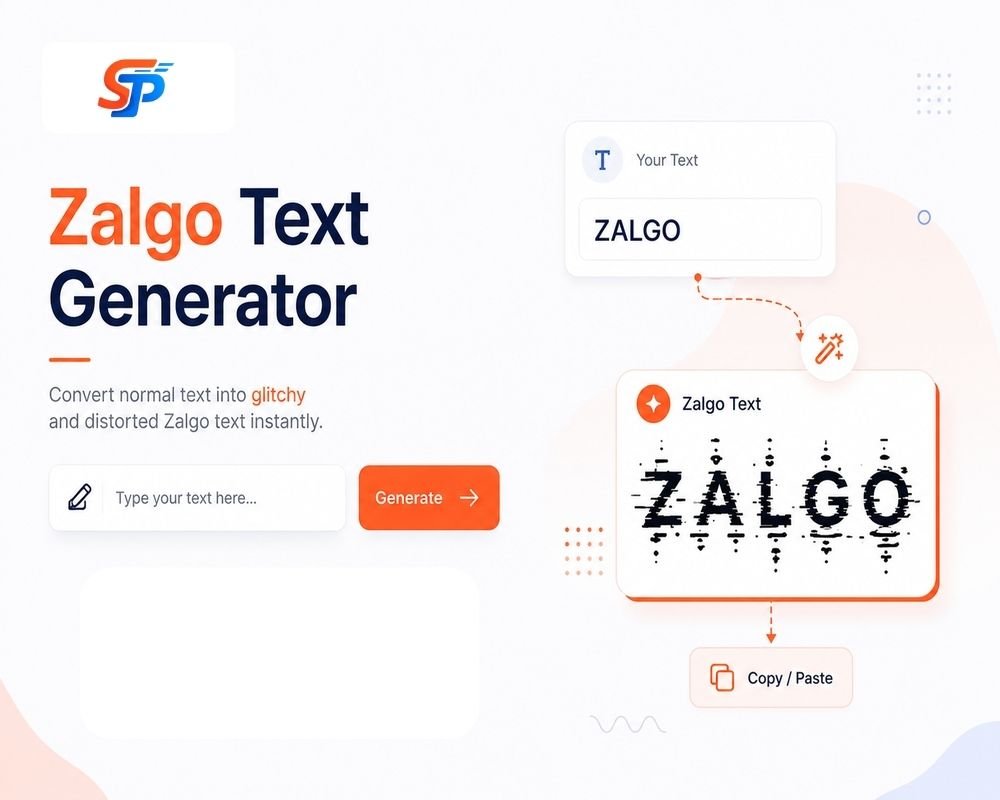
Zalgo text is just regular text with extra Unicode marks on top to make it look twisted or warped. People also call this style cursed text, glitch text, spooky text, or distorted text. In everyday use, these labels overlap a lot, and there’s no strict rulebook that separates them.
It’s still text, though. In most apps, you can select, copy, and paste it like a normal sentence. It isn’t an image, and it isn’t a font you install — the distorted look comes entirely from attaching extra Unicode characters to ordinary ones.
Zalgo Text Examples: Mild to Extreme
Here’s how one word changes as intensity rises. Combining marks can look slightly different depending on your browser, operating system, and font, so your result may not match this exactly.
| Intensity | Example | What Changed |
|---|---|---|
| Normal | Hello | No marks added |
| Mild | Ḥe̊llo̍ | A few marks up and down |
| Medium | H̘e͓l̥l͇o̬̍ | More marks, some hitting the middle of letters |
| Heavy | H̷̢̛e̸̢͝l̶̬̈́l̴̮̚ọ̸͐ | Thick markings stacked above, below, and through the letters |
As the intensity increases, more markings are added to each letter, the text itself occupies more vertical space, and the letters become difficult to read as the marks start overlaying the basic characters instead of sitting next to them.
How Does a Zalgo Text Generator Work?
The effect uses two building blocks: base characters and combining characters.
A base character is a typical letter, number, or symbol, such as “A.” A combining character is a separate Unicode character that attaches to the previous character instead of standing on its own. You’ve likely seen this in everyday accented letters: add a combining acute accent to “A” and you get “Á.” That’s one mark doing one small job.
More than one combining character can follow a single base character. A Zalgo generator stacks many marks onto the same letter, some above it, some below it, some through the middle. The more marks attached, the denser and more distorted the letter looks.
Many of these marks come from the Unicode Combining Diacritical Marks block (U+0300 through U+036F), which covers accents used in many languages. Unicode has other combining-mark ranges too, so a generator isn’t limited to just that one block. Stacking dozens of marks onto one letter is unusual, but it isn’t a separate encoding, a corrupted file, or a bug — it’s ordinary Unicode text used in a deliberately extreme way.
Where Can You Use Zalgo Text?
Zalgo text is standard Unicode, so it can go anywhere that accepts Unicode input. Whether it displays the way you expect depends on the app, the field, and how heavy your corruption setting is.
| Platform | Common Context | Possible Limitation |
|---|---|---|
| 🎮 Discord | Messages | Heavy marks may get clipped by the client |
| Captions, bio | Character limits still count each mark | |
| 🎵 TikTok | Captions, bio | Rendering can vary by device |
| 🧩 Roblox | Chat | Filtering rules can change |
| Messages | Marks may look different between phones | |
| Posts, comments | Long strings can wrap oddly | |
| ✖️ X | Posts | Character-counting rules can change |
| 📱 iPhone (iOS) | Messages, captions | Heavy stacking can look cluttered |
| 🤖 Android | Messages, captions | Rendering depends on device and keyboard app |
Character limits still count combining marks, so heavy Zalgo text eats into your limit fast, and dense marks can get clipped or overlap unpredictably. Since filtering rules can change, preview your text on the actual platform first, especially for a username or display name.
Who Is Zalgo? The Origin Story
Zalgo began in 2004 on the Something Awful forums, when a member known as Shmorky posted edited versions of Nancy and Archie. The edits used the word “Zalgo” and hinted at something dark happening to the characters. Shmorky later said in a forum post that he’d made the concept up himself and that it wasn’t based on Lovecraft’s fiction, despite many people assuming a connection.
The idea spread as other forum users made their own edits, turning familiar comics and cartoons into distorted, unsettling versions. Over time, “Zalgo” became a fictional force of chaos in creepypasta-style horror writing. Separately, “Zalgo text” became the name for stacking and combining marks onto normal characters, since the effect resembled those corrupted comic edits. The meme and the text technique share a name, but they aren’t the same thing.
Is Zalgo Text Safe to Use? (Crash Risk & Etiquette)
At normal or moderate intensity, Zalgo text is mainly a visual Unicode effect and behaves like any other text when you copy, paste, or send it.
Very extreme corruption, with dozens of marks piled onto one letter, can become hard to read, spill outside its space, and in some cases slow down older software. Some apps have had bugs tied to unusual Unicode input in the past, but that doesn’t mean current versions behave the same way, so broad claims like “Zalgo crashes phones” aren’t reliable.
A few habits keep you out of trouble: use mild or medium intensity when the text still needs to be read, avoid flooding a chat with long, heavy strings, preview text before posting, and follow the rules of the platform or community you’re in. Heavy distortion is also genuinely harder for many people to read, so stick to plain text for anything important, like directions or contact information.
Zalgo Text vs. Glitch Text vs. Cursed Text — What's the Difference?
These three terms get used interchangeably, but they lean toward slightly different meanings.In short, Zalgo text usually points to one specific technique: stacking Unicode combining marks. Glitch text and cursed text are looser terms that it often falls under, but they can also describe other effects. For a different distorted look without heavy vertical stacking, the Glitch Text Generator uses a style some fields handle more predictably.
| Term | Typical Look | How Specific | Common Use |
|---|---|---|---|
| Zalgo text | Marks stacked above, through, below letters | Fairly specific — this exact effect | Horror captions, spooky names |
| Glitch text | May include Zalgo marks, or other broken-looking styles | Broader, several distortion styles | General “broken” look |
| Cursed text | Any text that looks unsettling or chaotic | Very broad, more of a vibe | Memes, jokes |
How to Remove / Undo Zalgo Text (De-Zalgofy)
Zalgo text is a normal base character with a pile of combining marks attached. Removing Zalgo text, sometimes called De-Zalgo or UnZalgo, means stripping those combining marks away and keeping the original base letters where possible.
Distorted: H̷e̸l̶l̴o̸ after removing combining marks: Hello
A tool built for this scans the text, finds which characters are combining marks, and deletes them while keeping the base letters. This is really removal or cleanup, not decoding. The term “Zalgo text decoder” doesn’t involve encryption — it’s the same removal process by a different name.
One thing worth knowing: a generic “remove all combining marks” process isn’t always perfectly clean. It can also strip real accents from ordinary language text, since normal accented letters use the same kind of marks. That’s a smaller concern with Zalgo text itself, but worth remembering if you run other text through the same tool.
Tips for the Best Zalgo Text
- Use mild intensity when you need the word read quickly.
- Save heavy Zalgo for visual impact, not full sentences.
- Turn down Middle marks if letters get hard to recognise — they hurt readability most.
- Keep phrases short. A few words manage better than a full paragraph.
- Preview before you commit, since rendering can shift between your browser and the app you’re posting to.
- Save a version you like before regenerating, since a new click gives a different random pattern.
- Skip heavy distortion for anything important, like directions or contact details.
Frequently Asked Questions
Is the Zalgo text generator free to use?
Yes. You can create and copy Zalgo text without any cost or sign-up.
Can Zalgo text crash an app or get me banned?
Extremely heavy corruption can cause display or performance issues in some environments, but there's no general rule that it crashes apps or leads to bans.
Is Zalgo a real font?
No. It's regular text with multiple Unicode combining marks attached, which is why it can usually still be selected and copied like normal text.
How do I make Zalgo text less intense or more readable?
Lower the Corruption Intensity setting and consider turning off Middle marks, since those run through the letters and hurt readability the most.
How do I undo or remove Zalgo text?
Strip out the combining marks and keep the base characters. A dedicated remover tool does this automatically.