
Bubble Text Generator - Create Cute Bubble Letters Online
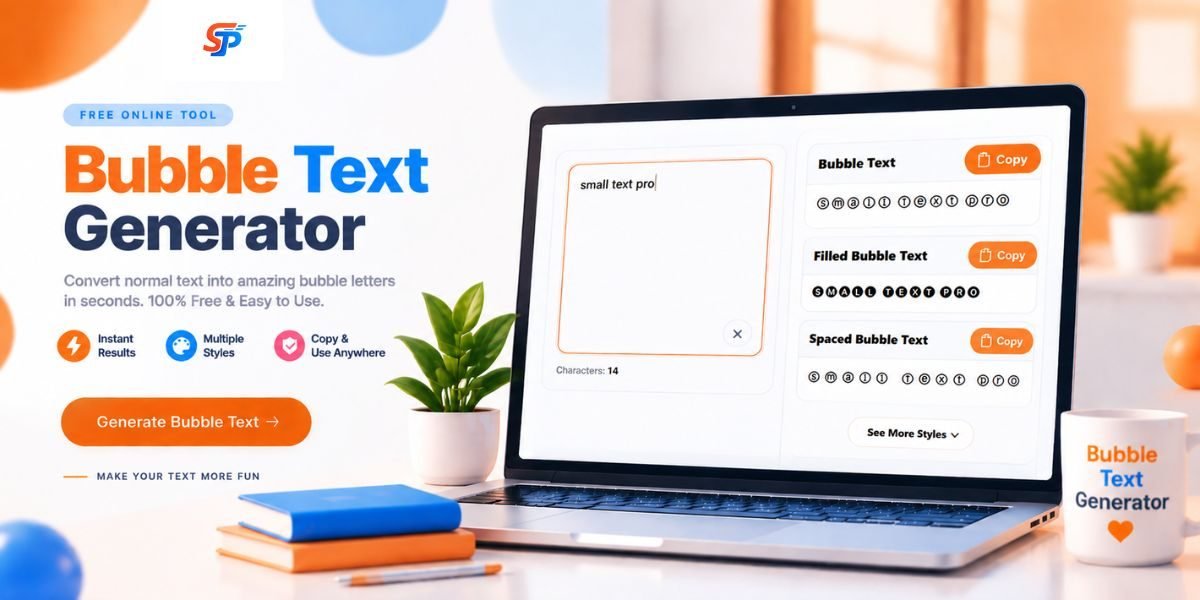
A Bubble Text Generator changes your normal words into round, bubbly letters. You type your text, pick a style, and copy the new bubble version.
It also works well with SmallTextPro's other free text generators, so you can try more styles if bubble letters are not enough.
What Is a Bubble Text Generator?
How Does a Bubble Text Generator Work?
Our online tool is simple to use and works in seconds—no design skills or downloads needed.
Converting Normal Text Into Bubble Letters
Creating Different Bubble Text Styles
- Outline bubble text – only the round outline is shown.
- Filled bubble text – the circle is fully colored.
- Spaced bubble text – small gaps sit between each letter.
- Decorative bubble text – symbols are added around your words.
Create Bubble Text Online in Seconds
2. Choose Bubble Style.
3. Copy your bubble text
Merits And Demerits of Bubble Text
Merits of Bubble Text:
Bubble text helps users create fun, eye-catching, and creative lettering quickly. It is easy to generate, copy, and use on social media platforms, usernames, invitations, and personal designs without needing graphic design skills.
Merits of Bubble Text:
Bubble text may have limited customization options compared to professional design software. Some bubble fonts may not display properly on all devices, and they are generally better for casual use rather than professional branding or typography projects.
Where Can You Use Bubble Text?
Bubble Text for Instagram
Bubble Text for TikTok
Bubble Text for Creative Projects
- Stickers
- T-shirts
- Posters
- Invitations
- Classroom projects
- Digital artwork
Where Can You Use Bubble Text?
These two terms sound similar, but they are not the same tool.
| Bubble Text | Bubble Font |
|---|---|
| Made from Unicode characters | Made from a real font file |
| Copy and paste, no software needed | Installed in software like Canva, Photoshop, or Cricut |
| Works on almost any app or website | Works only where the font file is installed |
| Best for quick social media use | Best for professional, print-ready designs |
If you just want fun text for a bio or caption, bubble text is enough. If you are designing a logo or a poster in a program like Illustrator, a real bubble font will give you sharper, more consistent results.
Popular Bubble Font Styles and Design Ideas
Why Use SmallTextPro Bubble Text Generator?
- Clean, no-clutter interface
- Converts your text instantly
- Several bubble styles to choose from
- One-click copy, no extra steps
- Works fine on phones, tablets, and desktops alike
Frequently Asked Questions
What is a Bubble Text Generator?
It's a simple online tool that turns regular letters into round, bubble-style characters using Unicode.
Is bubble text free?
Yes. There's no cost to use SmallTextPro's bubble text generator.
How do I create bubble letters online?
Type your text, pick a style, and copy the result — that's really all there is to it.
What's the difference between bubble text and bubble font?
Bubble text is Unicode-based, so you just copy and paste it anywhere. A bubble font, on the other hand, is an actual font file you'd install and use inside design software like Photoshop or Canva.
Can I copy bubble text to Instagram?
Yes, it pastes right into your bio, username, or captions without any issues.
Does bubble text work on mobile devices?
It does. Since it's just text and not a font, it shows up fine on phones, tablets, and desktops alike.
Can I use bubble text for commercial designs?
For small things like stickers or product tags, sure. But if you're working on serious branding, a real bubble font will usually look cleaner and more polished.